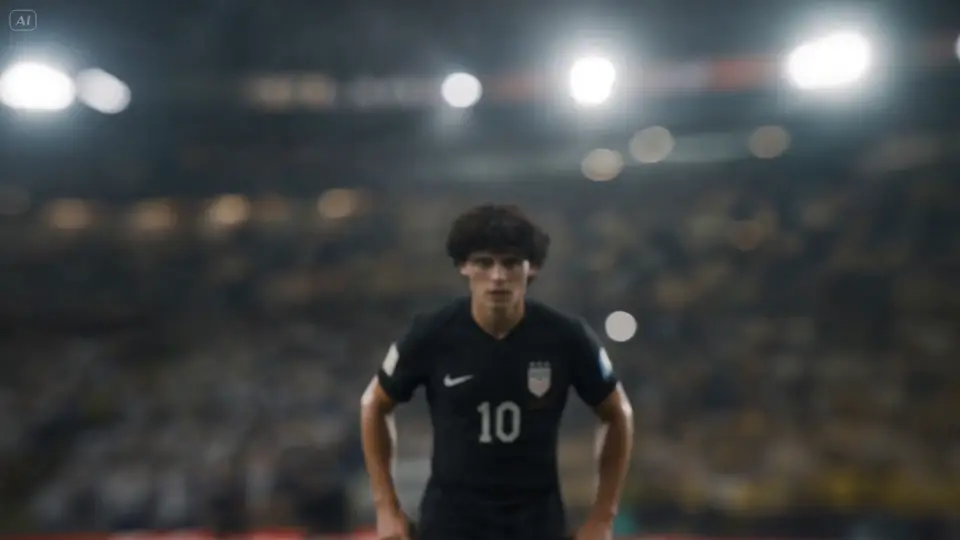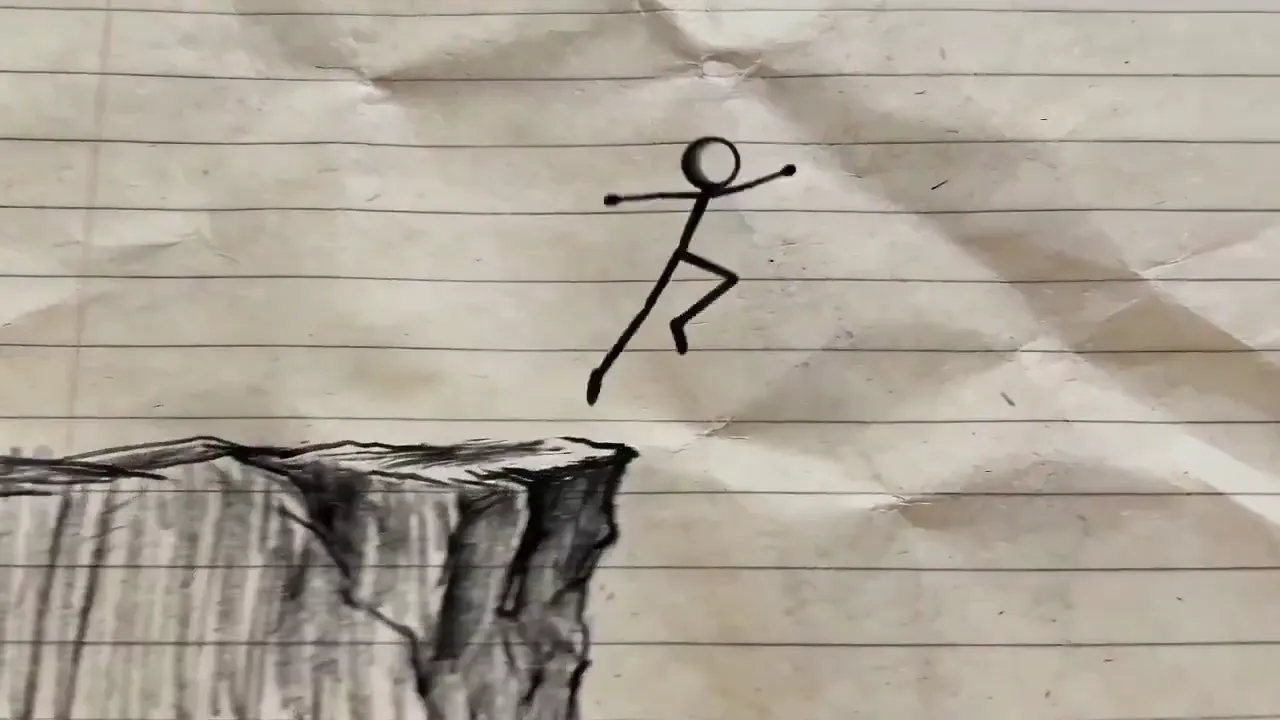
Video
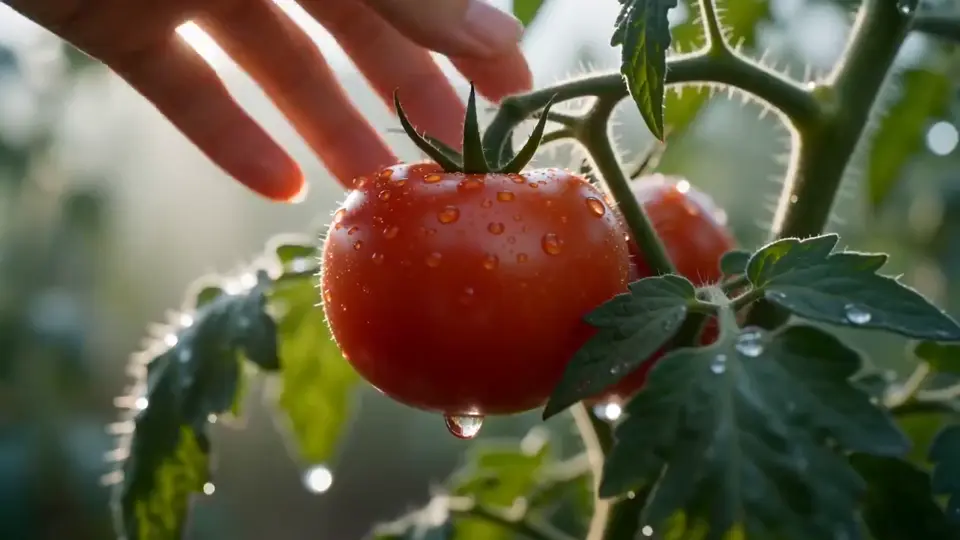
Image to Video
Start from one still frame and let a video model add movement, camera motion and atmosphere while your image keeps the look consistent.
Try Now Hushgen
Make videos and images with Seedance 2.5, Veo 3.1, Kling 3.0, Wan 2.7, Nano Banana Pro and other AI models on one platform, with a single account and a single credit balance.
Hushgen is an AI video and image studio with text to video, image to video, reference to video, video extend, motion control, text to image and image edit, running on third-party models from several providers.
AI Tools
Type into the generator above, or open a dedicated tool below. Each one lets you choose between several AI models.
Start from one still frame and let a video model add movement, camera motion and atmosphere while your image keeps the look consistent.
Try NowDescribe a scene in a sentence or a short script and get back a clip you can refine shot by shot.
Try NowUpload reference images or clips to pin down a character, product or visual style before the model starts generating.
Try NowPick up where a clip ends and add the next few seconds with the same subject, framing and mood.
Try Now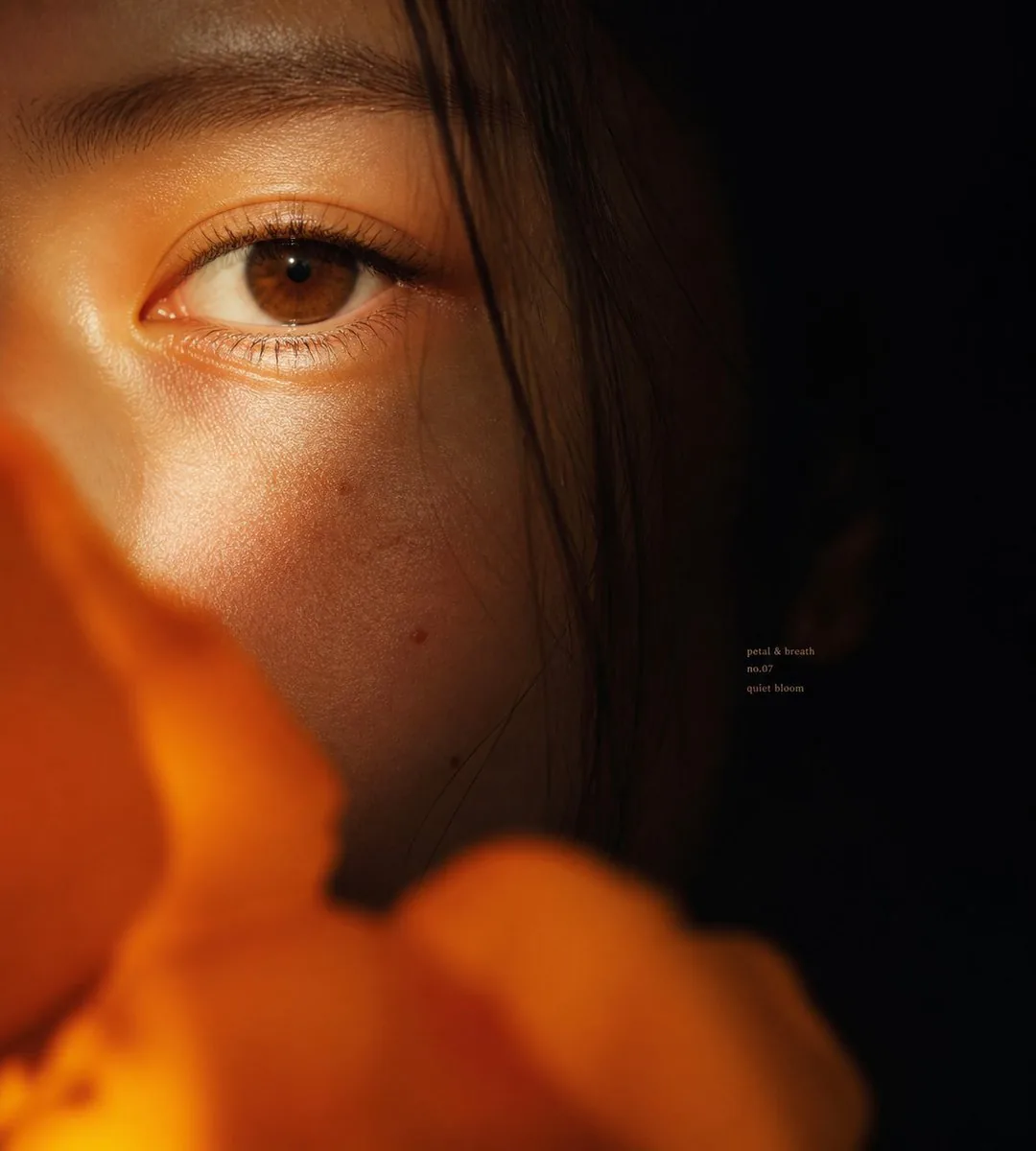 Image
Write a prompt and get thumbnails, product shots, concept art or posters, with Seedream and other image models to choose from.
Try Now Image
Change a background, remove an object or restyle a photo by telling Hushgen what to change in plain words.
Try NowModels
Start with the newest Seedance model or switch to Veo, Kling, Wan, Nano Banana and more. Every model uses the same credit balance.
Tap video to pause or resume
The newest Seedance video model, now on Hushgen. Longer takes, sharper output and sound generated with the picture.
One credit balance works with all of them.
Video models
Wan 3.0
Alibaba
30s clips up to 1080p with native audio
Magi 2
Sand.ai
30s 1080p clips with audio and 20 references
Kling 4.0
Kuaishou
30s clips with native audio and keyframes
Seedance 2.0
ByteDance
15s clips up to 4K with references
Veo 3.1
Cinematic 8s shots up to 4K
Kling 3.0
Kuaishou
15s clips and motion control
Wan 2.7
Alibaba
15s clips, references and extend
Image models
Seedance, Kling, Veo and Wan are a click apart, so each shot can go to the model that handles it best.
Use Seedream, Nano Banana, GPT Image, FLUX or Wan for stills, then send the result straight into a video tool.
All models draw from one credit balance, and the exact cost appears before you generate.
Hushgen is an independent platform; model names belong to their respective owners. Disclaimer
Reference to Video
On models that support references, combine text with images, video and audio to control subject, style and camera more precisely.
Tap video to pause or resume
Each model lists its own reference support and limits inside the tool.
Combine inputs to hold identity, motion, mood and sound steady.
Prompt Guide
Video models respond best to direction. Cover these five parts, keep it brief, and adjust one piece at a time.
01
Who or what the camera follows
e.g. An old fisherman in a yellow raincoat
02
A single movement or moment
e.g. Hauls a net aboard as a wave hits
03
Framing and how the camera moves
e.g. Handheld, low angle, slow orbit
04
Time of day and light source
e.g. Overcast dawn, cold blue haze
05
Overall look and texture
e.g. Documentary, 35mm film grain
Example Prompt
Swipe to read more
Generated Result
Image to Video: the image already sets the look, so spend the prompt on movement, camera and atmosphere.
About Hushgen
Hushgen is an independent AI video and image studio: seven creation tools, third-party models from several providers, and one credit balance for all of them.
Generate video, generate images and edit them in one workspace instead of hopping between separate apps.
Run one prompt through different third-party models and keep whichever result fits the project.
Write a prompt, add a reference if you need one, then review and adjust until the result fits.
Tap video to pause or resume
Features
Everything you need to turn an idea into a finished AI video or image.
Try one idea on different video and image models without separate sign-ups, subscriptions or dashboards.
Text to video, image to video, reference to video, video extend, motion control, text to image and image edit, all sharing one library.
Set resolution, length and aspect ratio for each generation, with 4K and longer clips on the models that offer them.
Paid plans remove the watermark and include commercial usage rights for ads, social posts, client projects and product promotion.
Everything you make lands in My Creations, where you can download it, reuse it as a reference or extend it later.
Prompts and results pass through content moderation, and NSFW or infringing content is blocked under our Acceptable Use Policy.
How to use
Four steps from first idea to a clip you can publish.
Open a video or image tool, then pick a model from the list shown in the product.
Say who is in the shot, what happens, where it happens and how the camera moves. Add references for tighter control.
Pick aspect ratio, duration and resolution for that model: vertical for social, widescreen for campaigns.
Watch the result, change one thing (prompt, model or setting) and generate again.
Overview
Independent, and not affiliated with any model provider.
Go from a prompt or a single photo to an edited, extended clip without leaving Hushgen.
Hushgen gives you access to models such as Seedance, Kling, Veo, Wan, Seedream, Nano Banana, GPT Image and FLUX.
Begin with welcome credits, then pick a monthly or yearly plan or a one-time credit pack. Cancel a subscription anytime.
Pricing
Every model on Hushgen runs on credits. Choose a plan or a one-time pack — the price you see is the price you pay, with no hidden fees.
Pay yearly and save compared with monthly billing
Unlocks every model on Hushgen
Unlocks every model on Hushgen
Unlocks every model on Hushgen
Unlocks every model on Hushgen
Unlocks every model on Hushgen
Subscriptions renew automatically at the end of each billing period (monthly or yearly) at the price shown until you cancel. Cancel anytime in Settings → Billing — your plan stays active until the end of the paid period. Unused purchases can be refunded within 7 days; see our Refund Policy. By subscribing, you agree to our Terms of Service and Privacy Policy.
Estimates use our standard video (480p · 5s) and image settings. Actual usage varies by model, resolution and duration.
Supported payment methods
Secure checkout powered by Stripe


Models, credits, billing and output quality — answered plainly.
Hushgen is an independent studio for making AI videos and images. One account gives you access to third-party models from several providers — including Kling, Veo, Seedance, Wan, Seedream, Nano Banana, GPT Image and FLUX — and every model draws from the same credit balance.
No. Hushgen is an independent platform. We are not affiliated with, endorsed by or sponsored by ByteDance, Alibaba, Google or any other model provider, and model names remain the property of their owners.
Yes. Seedance 2.5, the newest Seedance video model, is available in Text to Video, Image to Video and Video Extend. It makes clips from 4 to 30 seconds at up to 4K, generates audio with the video, and accepts up to 30 image, 10 video and 10 audio references. A 5-second 720p clip costs 720 credits, and the exact cost is shown before you generate.
Yes. On models that accept references, your images can set the subject, product look, composition, color palette or overall style of the result.
Pick a longer duration when the clip needs room for a beginning, an action and an ending — a product reveal, a camera move or a transformation, for example. Each model lists the durations it supports.
Higher resolution pays off for close-ups, faces, detailed products, textured scenes and any clip you plan to crop into several formats.
Write a concrete prompt, add a reference when it helps, settle your settings before generating, and after each result change just one thing at a time.
Outputs on the free plan carry a watermark. On a paid plan, videos and images are watermark-free and come with full commercial usage rights.
Yes — on a paid plan you can use your generations for ads, social posts, client projects and product promotion. NSFW content is not allowed: prompts and outputs pass through content moderation and sensitive-word filtering, and prohibited requests are blocked.
It depends on the model. Common aspect ratios are 16:9, 9:16 and 1:1 at up to 1080p, and some models go higher. Videos download as MP4 and images as PNG or JPEG.
Yes. Image Edit changes a photo from a text instruction — swap the background, replace or remove objects, adjust the style or add an artistic effect.
Each generation uses credits according to the model and output you choose, and the cost is shown before you generate. Eligible new accounts can claim a one-time welcome credit gift on the homepage after signing up. You can top up with a credit pack or subscribe for a monthly allowance, and credits for a failed generation are returned automatically under our policy.
Write to [email protected] or use the Contact page — we normally reply within 1–2 business days and can help with accounts, billing or your workflow. You can cancel a subscription at any time under Settings → Billing.
That depends on where they came from. Welcome gift credits expire 30 days after you claim them. Monthly subscription credits expire 30 days after each renewal. Yearly subscription credits arrive in full at the start of the billing year and expire 365 days later. One-time credit packs (Nano, Starter, Boost, Power, Ultra, Mega) never expire. When you generate, the credits closest to expiring are always used first.
A yearly plan adds the whole year of credits at once at the start of the billing period instead of month by month, and they stay valid for 365 days. Any monthly credits or credit packs you hold sit in the same balance, and the ones that expire soonest are spent first.
Get started today
Generate videos, images, edits, and reference-guided clips with multiple supported models from one focused creative workspace.
No credit card required. Free plan includes starter credits.